A calmer calendar
Empty days look empty.
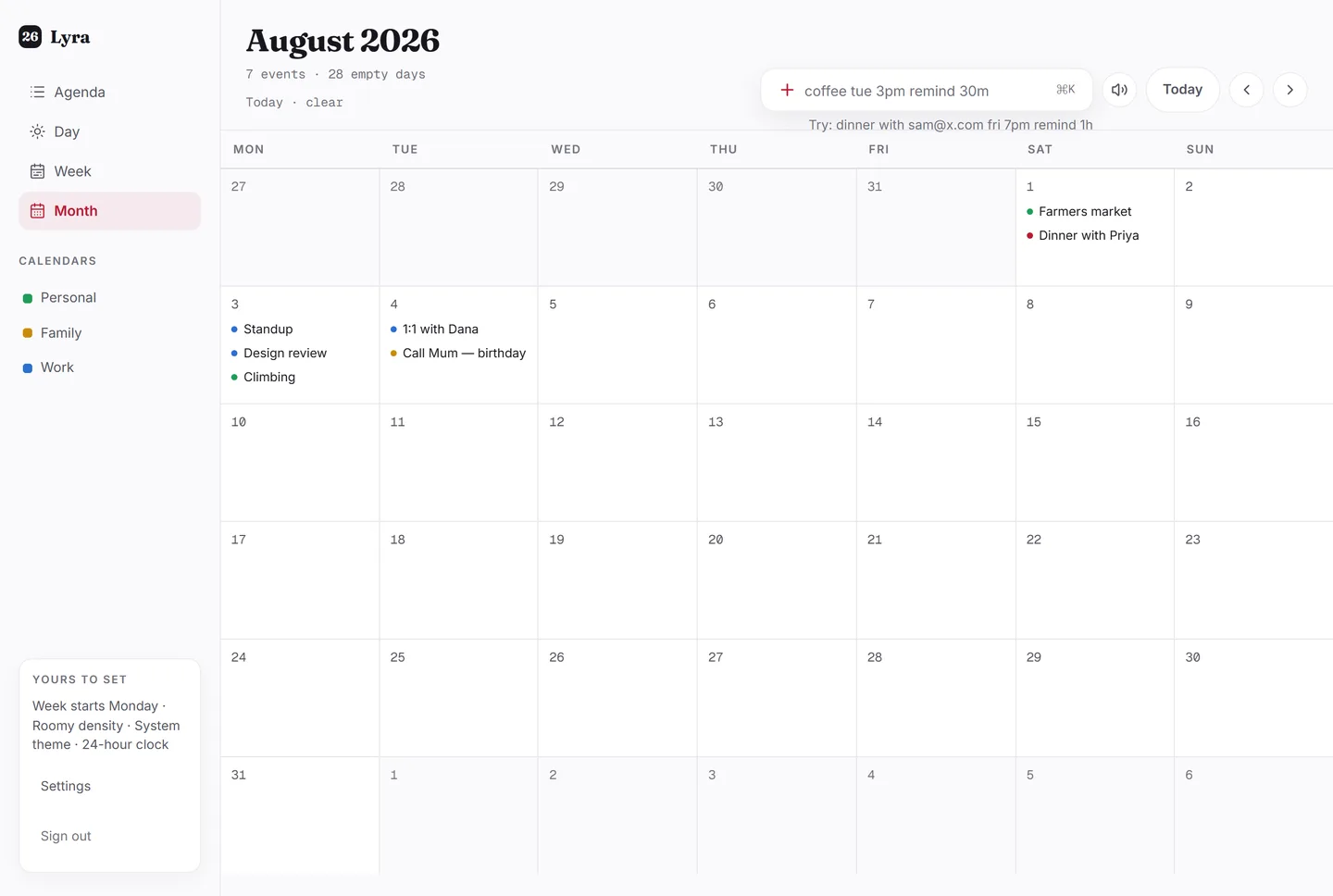
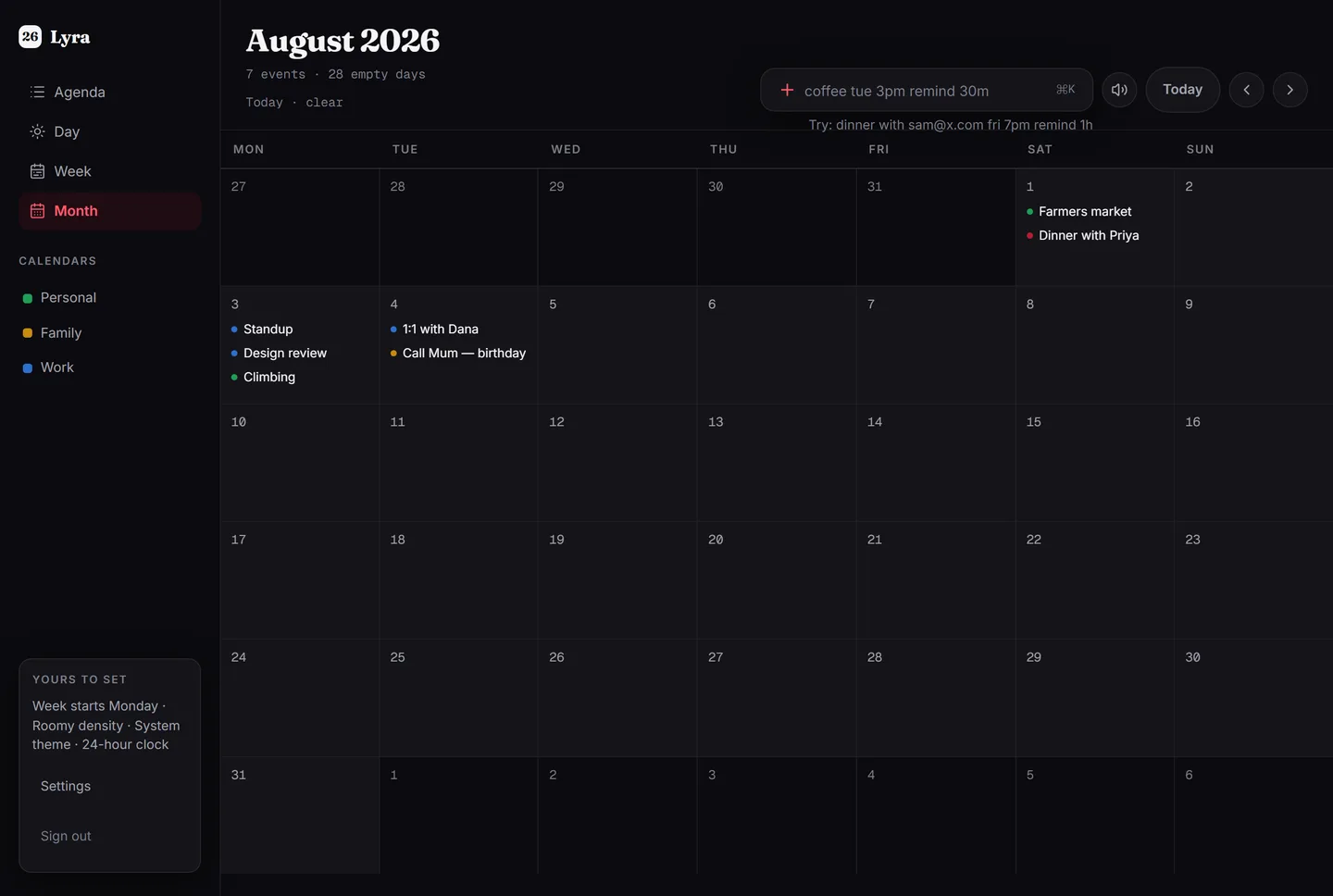
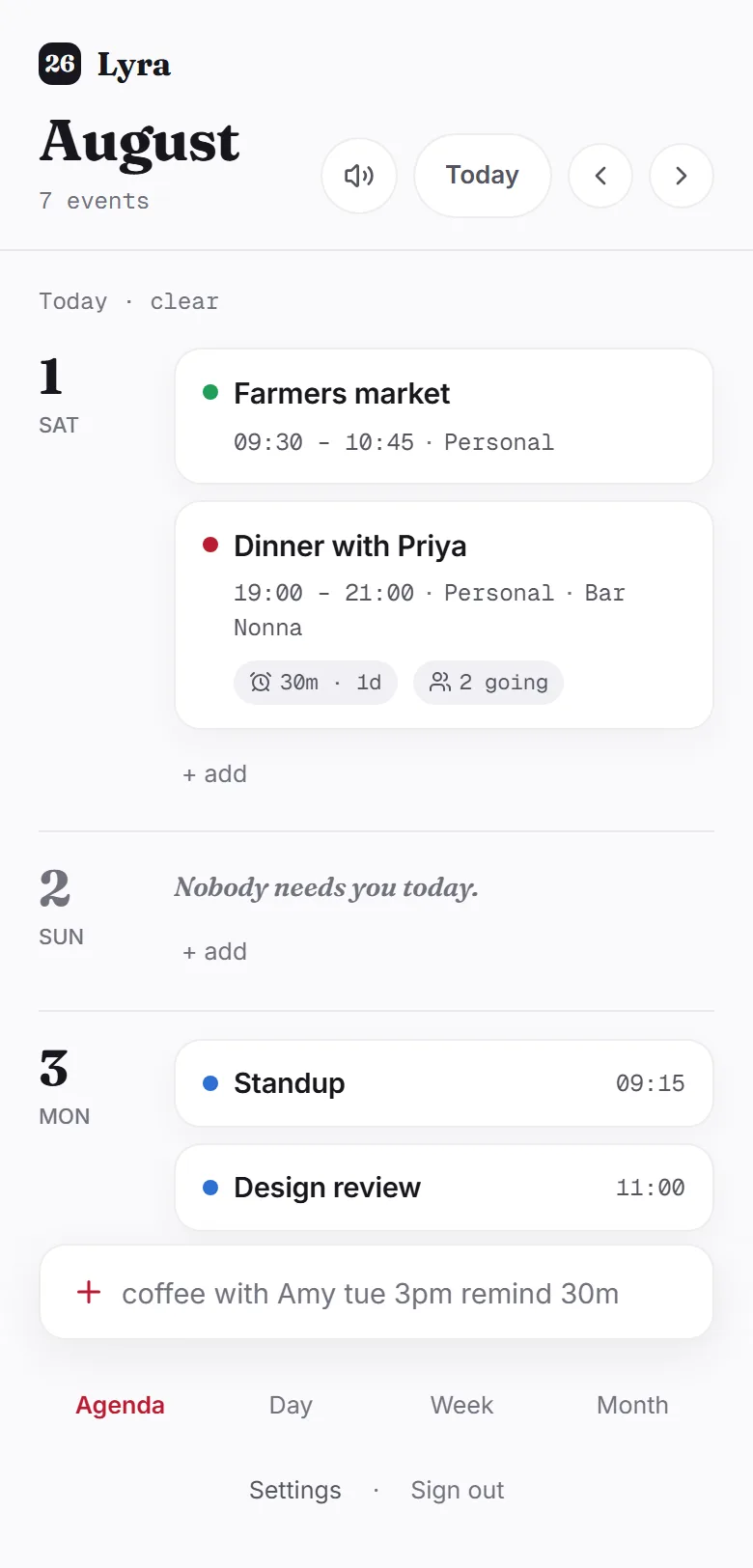
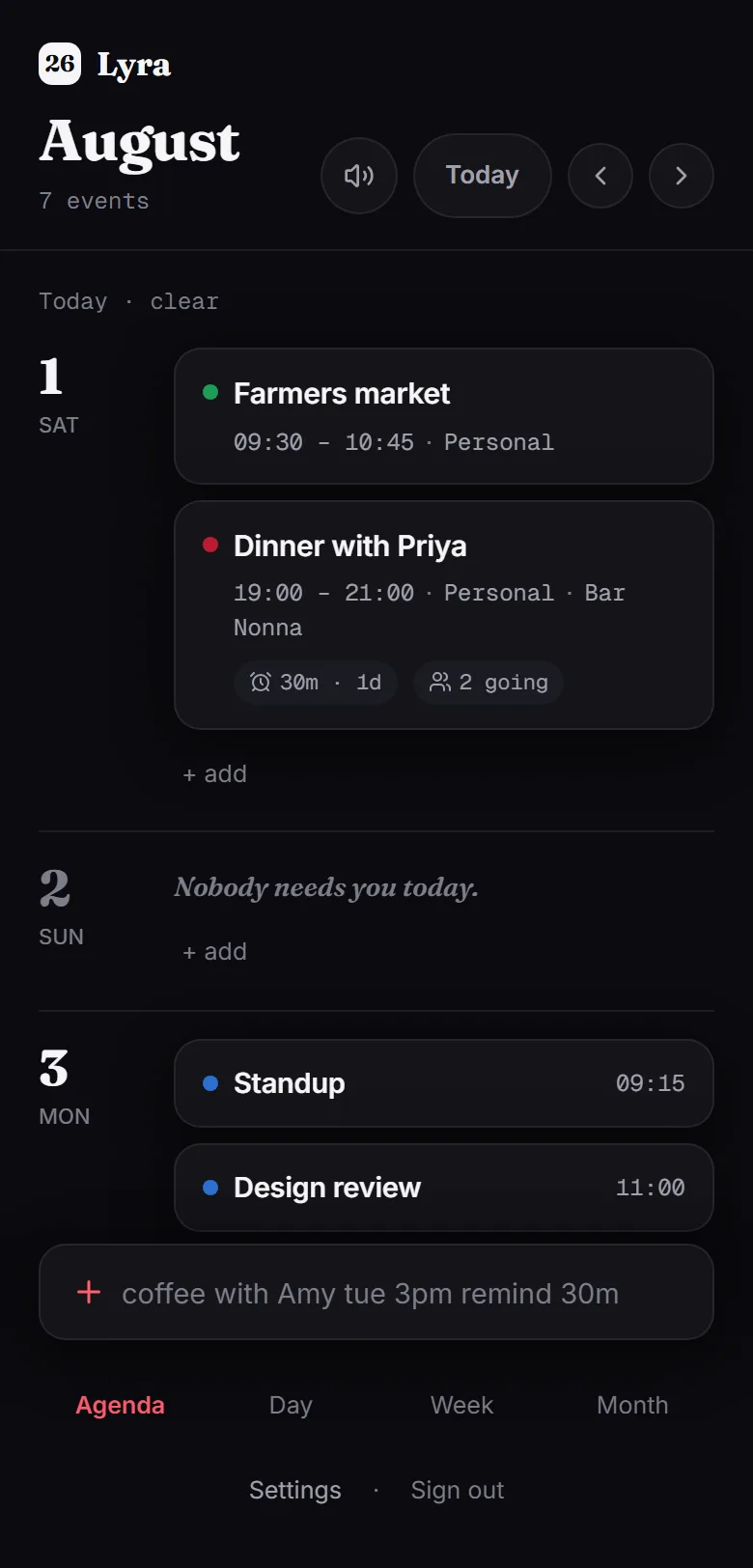
Lyra shows what is actually on a day, and nothing else.
No password, no trackers, no third-party scripts.
What’s different
Three things it does its own way.
One line, then confirm.
Type the sentence you would say out loud, and confirm what Lyra understood.
dinner with sam@x.com fri 7pm at Luigi’s
- Title
- dinner
- When
- Fri · 19:00
- For
- 1h — the default, not from the line
- Where
- Luigi’s
- Guest
- sam@x.com
Your day in a sentence.
One line at the top of the calendar tells you what is ahead, or reads it aloud.
Today
Farmers market at 09:30, then dinner with Priya at 19:00 at Bar Nonna. Two guests are going. Nothing after that.
An example day.
Guests do not need an account.
Invite anyone by email; their answer comes back to the event.
Guests
- priya@example.com✓ going
- sam@example.comno reply yet
They get an email with an .ics — no account needed.
What it isn’t
A calendar that is content to be empty.
- 12FriNothing. Enjoy it.
- 13SatThe weekend, wide open.
- 14SunThe day is yours.
An empty day is not a gap to be filled, so Lyra does not offer to fill it.
The calendar you already have is welcome here: connect Google, Apple, or any calendar that publishes a link, and it appears alongside everything else — counted, searched, and treated as busy time. Lyra reads it and never writes back.
Start
It takes one line.
Sign in, or add an example week and clear it again in one click.
Free, and staying that way. There is one thing you can pay for.